

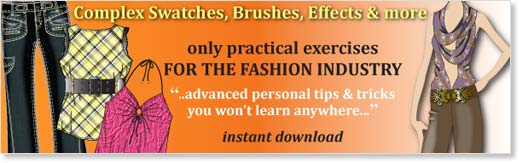
EXAMPLE SKETCHES
(Click to zoom, navigate with arrow keys or mouse)

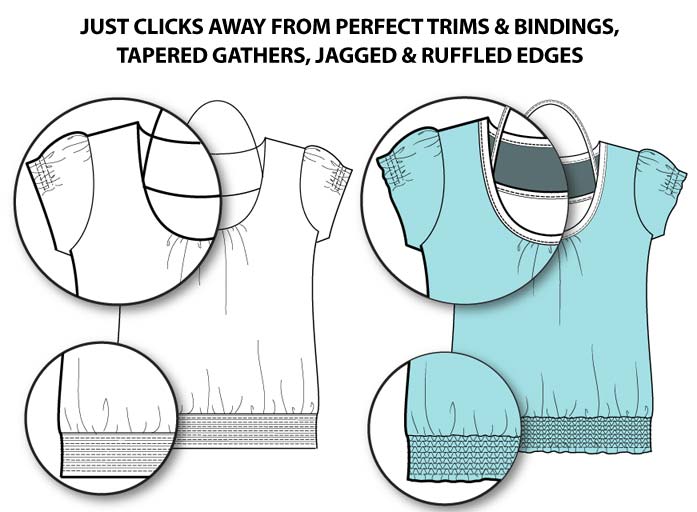
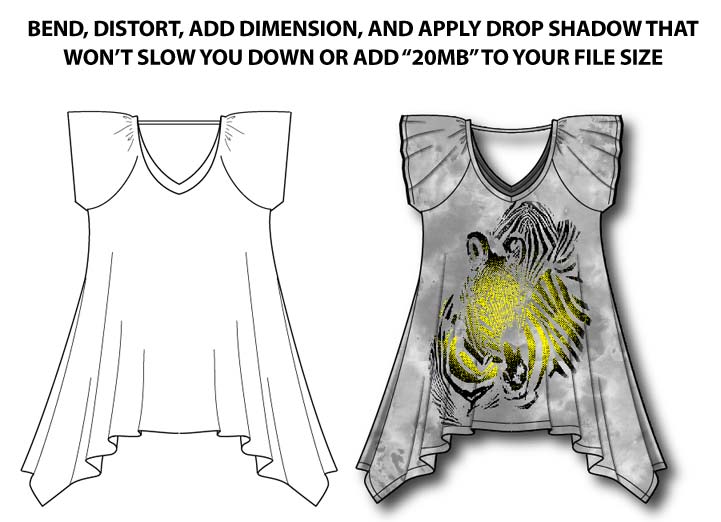
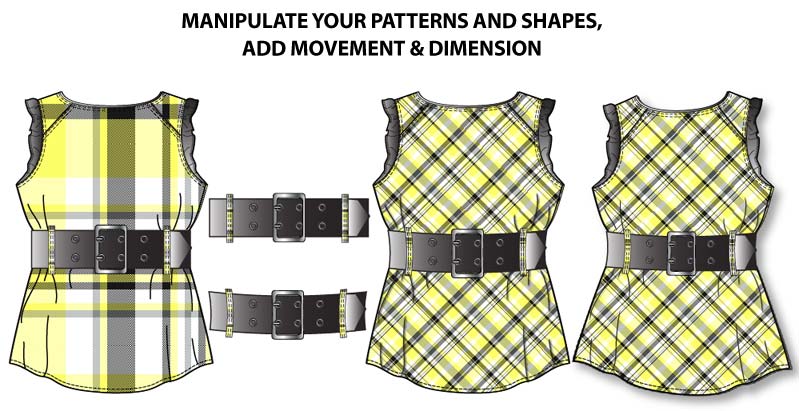
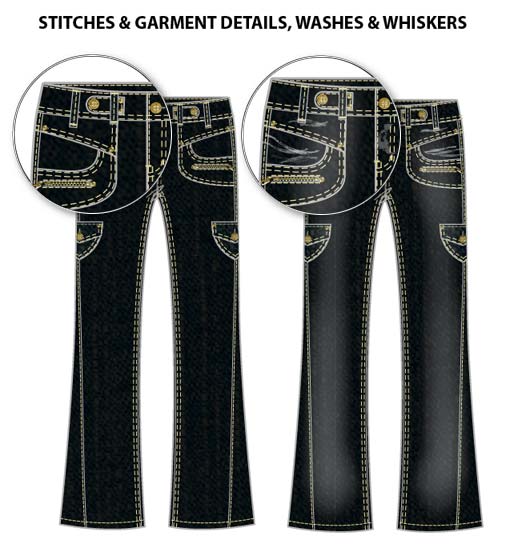
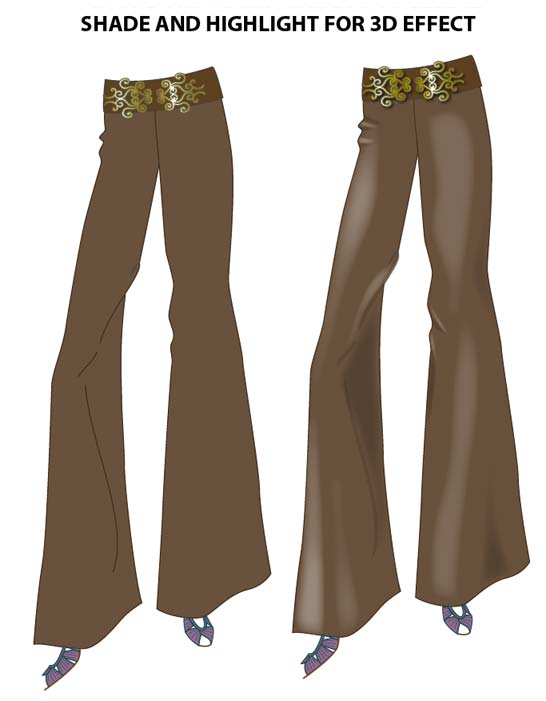
SAMPLES
(Click to zoom, navigate with arrow keys or mouse)

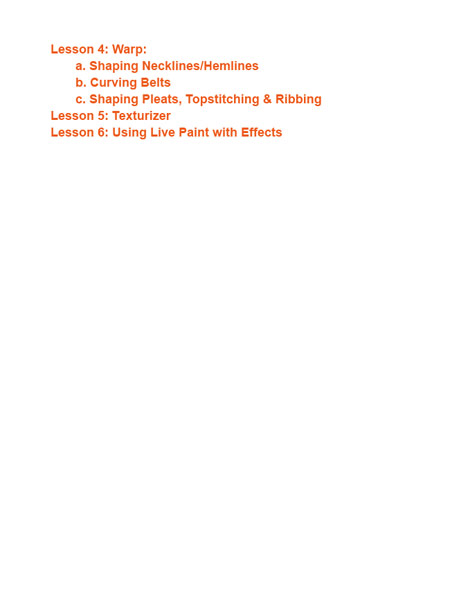


FEATURES
- Fun, interactive ebook in Adobe Illustrator (.ai) format (19 Adobe Illustrator files)
- 101 fully illustrated pages with practical application for the fashion industry
- Easy to follow instructions with interactive vector illustrations and screen shots
Download A FREE SAMPLE LESSON right now.
No signup, no obligations: just click and learn!
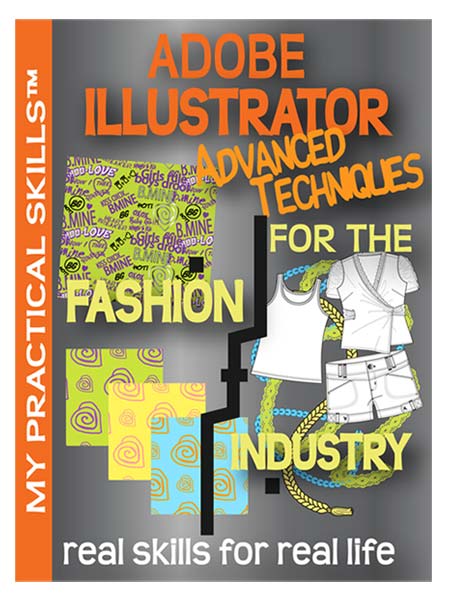
Adobe Illustrator Advanced Techniques
FREE SAMPLE LESSON
(Adobe Illustrator CS2 or later required)
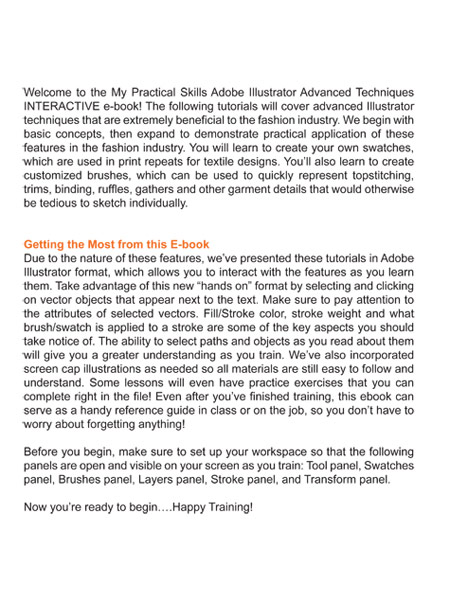
INTERACTIVE TUTORIALS: For the first time ever, we’ve presented these tutorials in Adobe Illustrator format, which allows you to fully interact with the features as you learn them! With this new “hands on” format, you can select and click on vector objects that appear next to the text. This allows you to observe important attributes of selected vectors that aren’t captured in regular screen shots. The ability to select paths and objects as you read about them will give you a greater understanding in your Adobe Illustrator training. A few lessons even have practice exercises that you can complete right in the file! Some screen shots are incorporated as needed, so each step is still easy to follow and understand.
BENEFITS
- Define simple and complex pattern repeats in the Swatches panel for endless textile design options
- Scale, Rotate, and Move patterns using the Transform Panel
- Create textile colorways (color combinations), & add colored backgrounds to textile designs
- Apply pattern swatches to your sketches
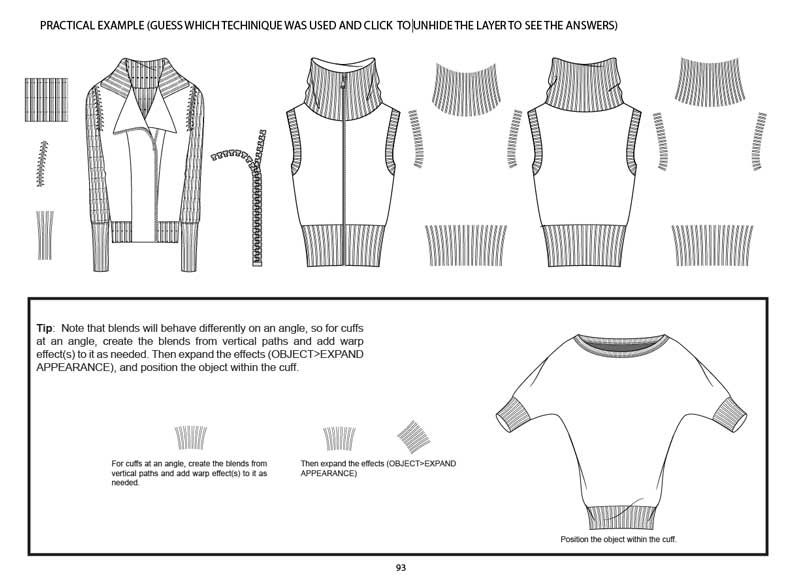
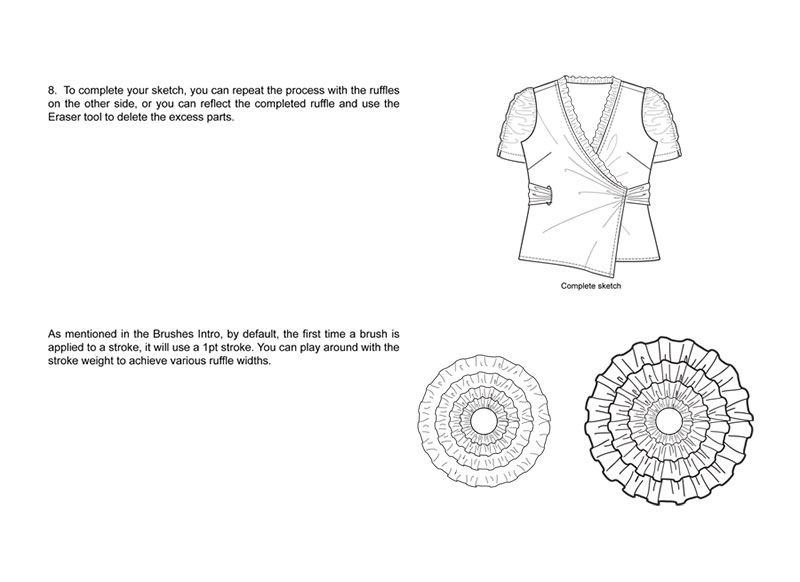
- Stop sketching tedious details! Quickly apply garment bindings, ruffles, tabs, beltloops, etc. using Art Brushes
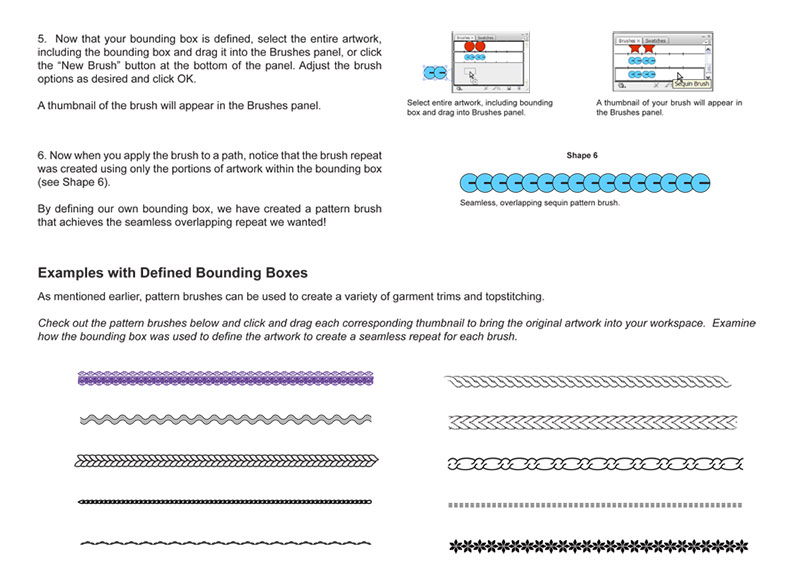
- Define custom Pattern Brushes for garment trims, topstitching, etc.
- Add corners to pattern brushes for more versatility in your flat sketches
- Create Scatter Brushes to represent various garment trims and embellishments
- Quickly apply rouching, smocking, shadows, highlights, texture and more to your fashion sketches using Effects
DESCRIPTION
Looking at these example sketches, you might think “Whoa! Those are so complicated; they must have taken forever to do!” But actually these fancy, complex-looking details only took us minutes (sometimes seconds) to create using a few simple tricks. And you don’t have to have superpowers or be a 20 year veteran in Adobe Illustrator to quickly put the same amount of details in your sketches. We’ve explored the many shortcuts Illustrator has to offer and developed unique ways to apply them to QUICKLY create detailed fashion illustrations and flat sketches. Now we’re sharing our most advanced personal tips and tricks that you won’t learn anywhere else!
Learn how to use Adobe Illustrator to create your own custom swatches and brushes! With the interactive tutorials in the “My Practical Skills: Adobe Illustrator Advanced Techniques” ebook, you’ll learn to define your own swatches, and generate seamless print repeats for textile designs. Create customized Illustrator brushes to quickly represent topstitching, trims, binding, ruffles, gathers and other garment details that would otherwise be tedious to sketch individually. Also learn to apply Effects to quickly add rouching, smocking, shadows, highlights, and texture to your artwork. Applying these Illustrator techniques to your fashion design projects is so quick and easy, and adds that “WOW” factor to your work.
DOWNLOAD INFORMATION
- Contents: Adobe Illustrator, PSD and PDF files
- Size: 60 MB
- Download Time: 2-20 minutes
- Format: Compressed ZIP file
- Uncompress PC: Automatic, double click or download the free Zip Reader if needed
- Uncompress Mac: Automatic, double click or download the free StuffIt Expander if needed
USAGE INSTRUCTIONS
- Follow interactive lessons
SOFTWARE REQUIREMENTS
- Adobe Illustrator CS2 or later
- Basic Adobe Illustrator skills
- Adobe Reader for included technique PDF
TECHNICAL AND BILLING SUPPORT
- If you need help or have any questions, please contact us through the form. We respond within 24 hours, usually much faster.
DOWNLOAD SUPPORT
- After purchase, you will receive two emails: your purchase receipt from PayPal and your download link from us.
- If you don’t see our download email within minutes, please check your spam (junk mail) folder. If you still can’t find it, let us know.
- Your purchase receipt will include an email and a phone number where we may be reached, depending on our availability in the Eastern US time zone.
Hassle-Free Product Replacement – See our Product Guarantees!
Advanced Techniques
Interactive eBook
$24.95


(372 ratings: please vote!)